

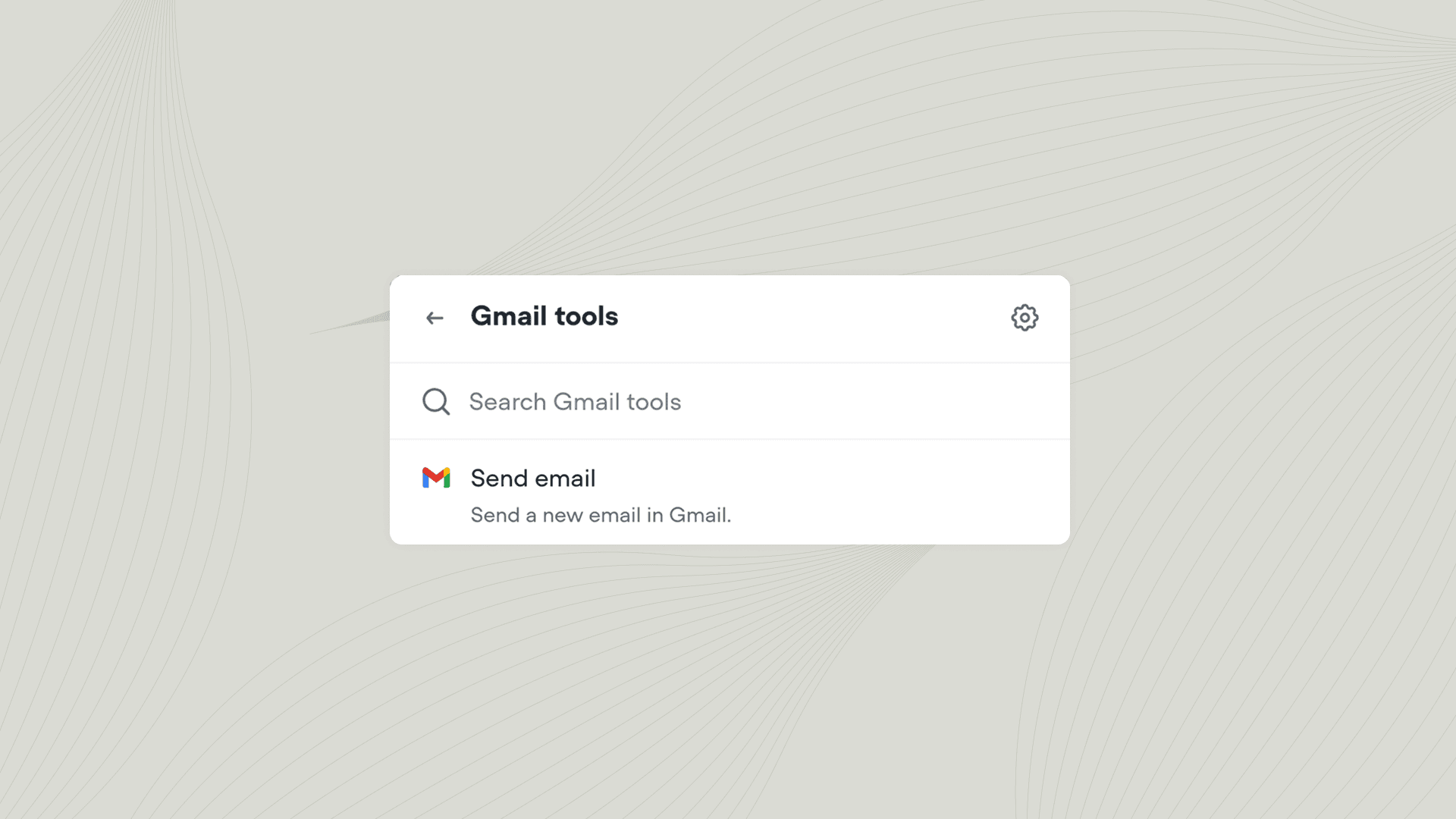
Using the Gmail tool
Add the Gmail tool to your agent from Tools → Add tool → Gmail. You can also add tools directly from inside a Playbook or Integration step. Once added, you can call the Gmail tool from inside a Playbook or Workflow.Actions
Learn more about integrations

Integrate with third-party tools
The best agents use tools to interact with the outside world. Learn how to get started with our bitesized course.