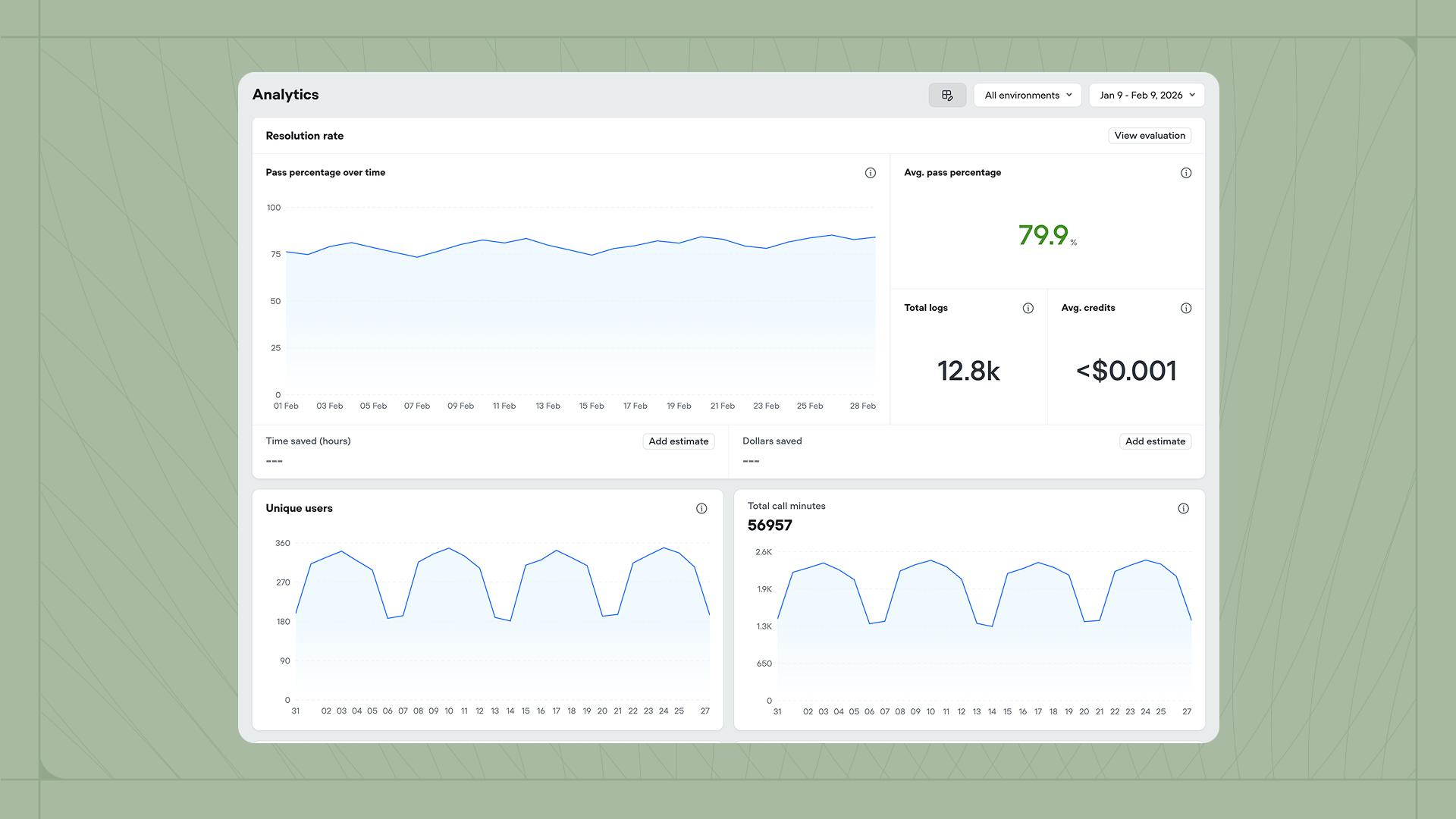
Analytics The Analytics dashboard gives you a high-level view of how your agent is performing across conversations. You can monitor evaluation results, usage patterns, costs, and operational metrics all in one place. Access the dashboard from the Analytics tab in the sidebar.

Filtering your view

Use the controls at the top right to filter the data displayed across all widgets. The Environment dropdown lets you view metrics for all environments or focus on a specific one like Development or Production. The Date range picker controls the time period for all charts and metrics.

Customizing the dashboard

(video) Click the settings icon to choose which widgets appear on your dashboard. Available metrics include:
  • Resolution rate, Customer satisfaction, Deflection rate, and any other enabled evaluations
  • Total chats, Total interactions, and Unique users
  • Latency monitoring and Credits usage
  • Playbooks usage, Tools usage, and KB documents usage
Click Reset to default to restore the standard widget configuration. Hover over any metric’s info icon for more detail about what it measures.

Estimating business impact

The Time saved and Dollars saved widgets help you quantify the value your agent provides. Click Add estimate to configure how much time or money each automated conversation saves compared to manual handling. Once configured, the dashboard calculates your total savings based on conversation volume.