


Voiceflow only supports hosted MCP servers that are accessible from the internet. Locally run MCP servers are not supported. You can use a service like Zapier MCP to build a hosted MCP server.
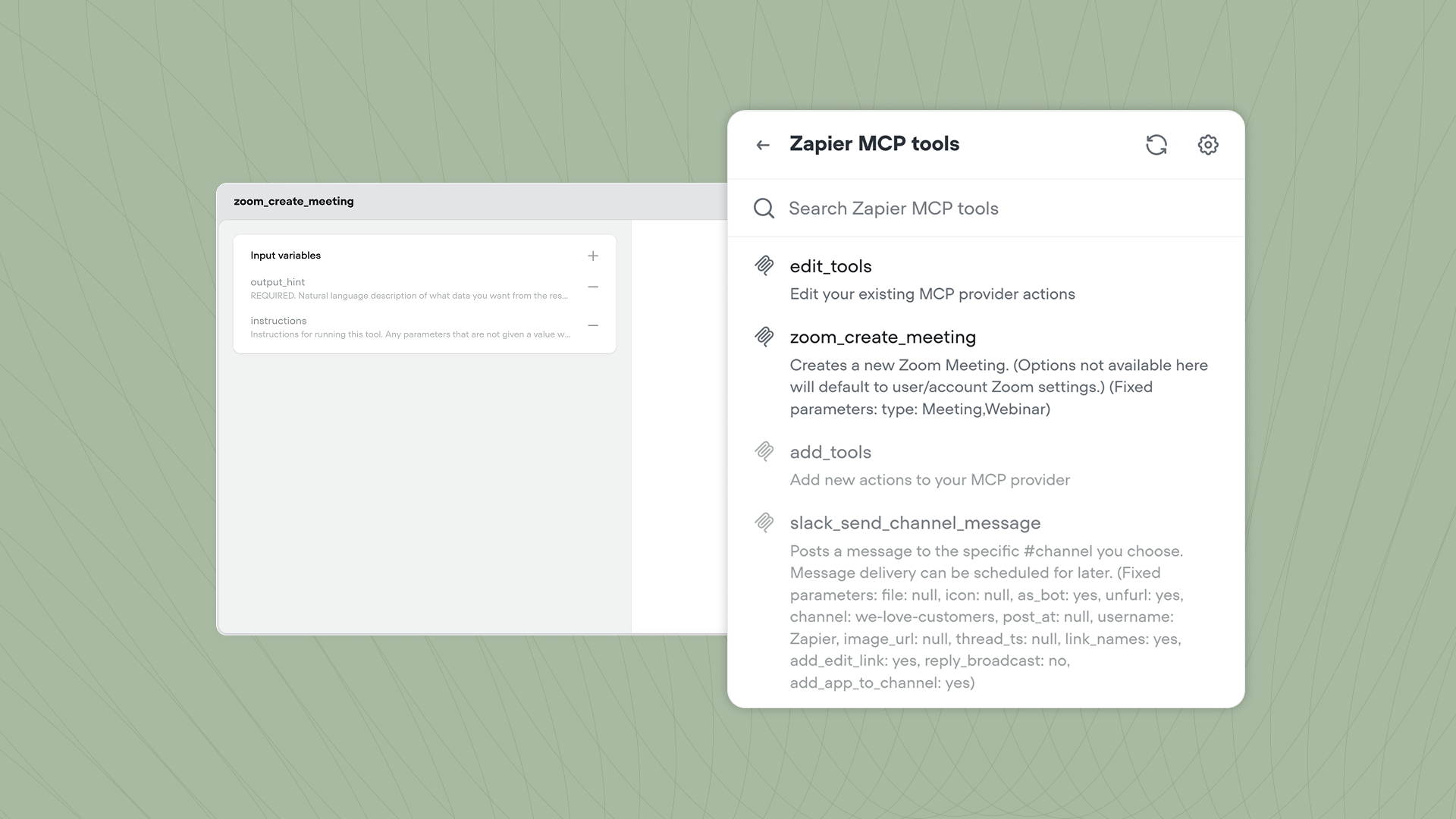
Creating a new MCP tool
Create a new MCP tool from Tools → New tool → MCP, or click MCP → Create MCP tool directly from a Playbook’s tool panel. You’ll need to provide:- Server name: A friendly name for your MCP server displayed inside Voiceflow.
- Server URL: The root URL of your hosted MCP server.
- Headers: Optional key-value pairs for authentication, such as API keys or auth tokens.
- Image: Optionally add an icon that’ll be shown next to the tool inside Playbooks.