


Using the Salesforce tool
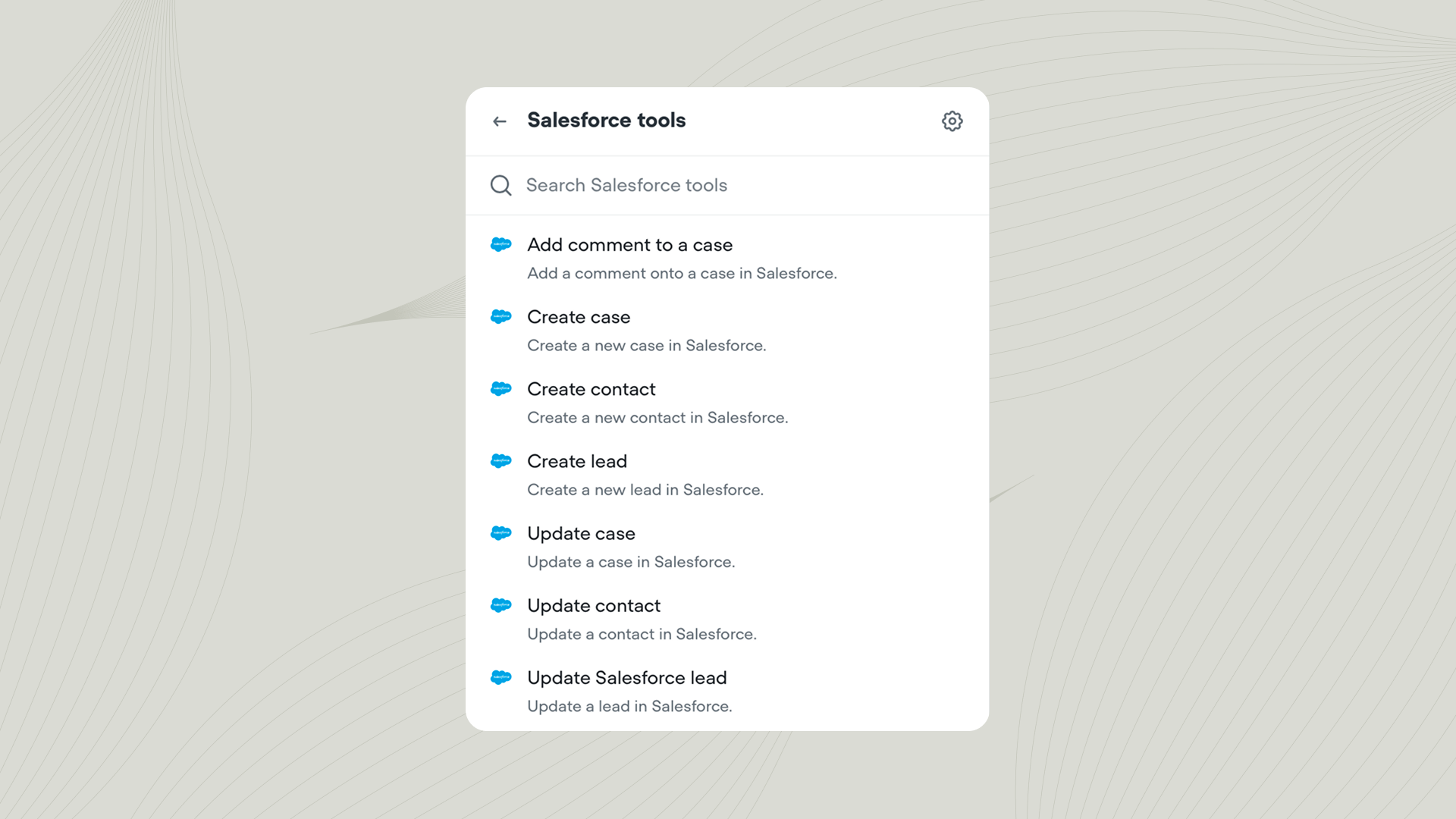
Add the Salesforce tool to your agent from Tools → Add tool → Salesforce. You can also add tools directly from inside a Playbook or Integration step. Once added, you can call the Salesforce tool from inside a Playbook or Workflow.Actions
| Action | Description |
|---|---|
| Create lead | Create a new lead in Salesforce. |
| Create contact | Add a new contact record to Salesforce. |
| Create case | Create a new customer service case. |
| Update lead | Update details for an existing lead. |
| Update contact | Edit information for an existing contact. |
| Update case | Modify fields or status of an existing case. |
| Add comment to a case | Append a comment to an existing case. |
Learn more about integrations
Integrate with third-party tools
The best agents use tools to interact with the outside world. Learn how to get started with our bitesized course.