


Using the End step
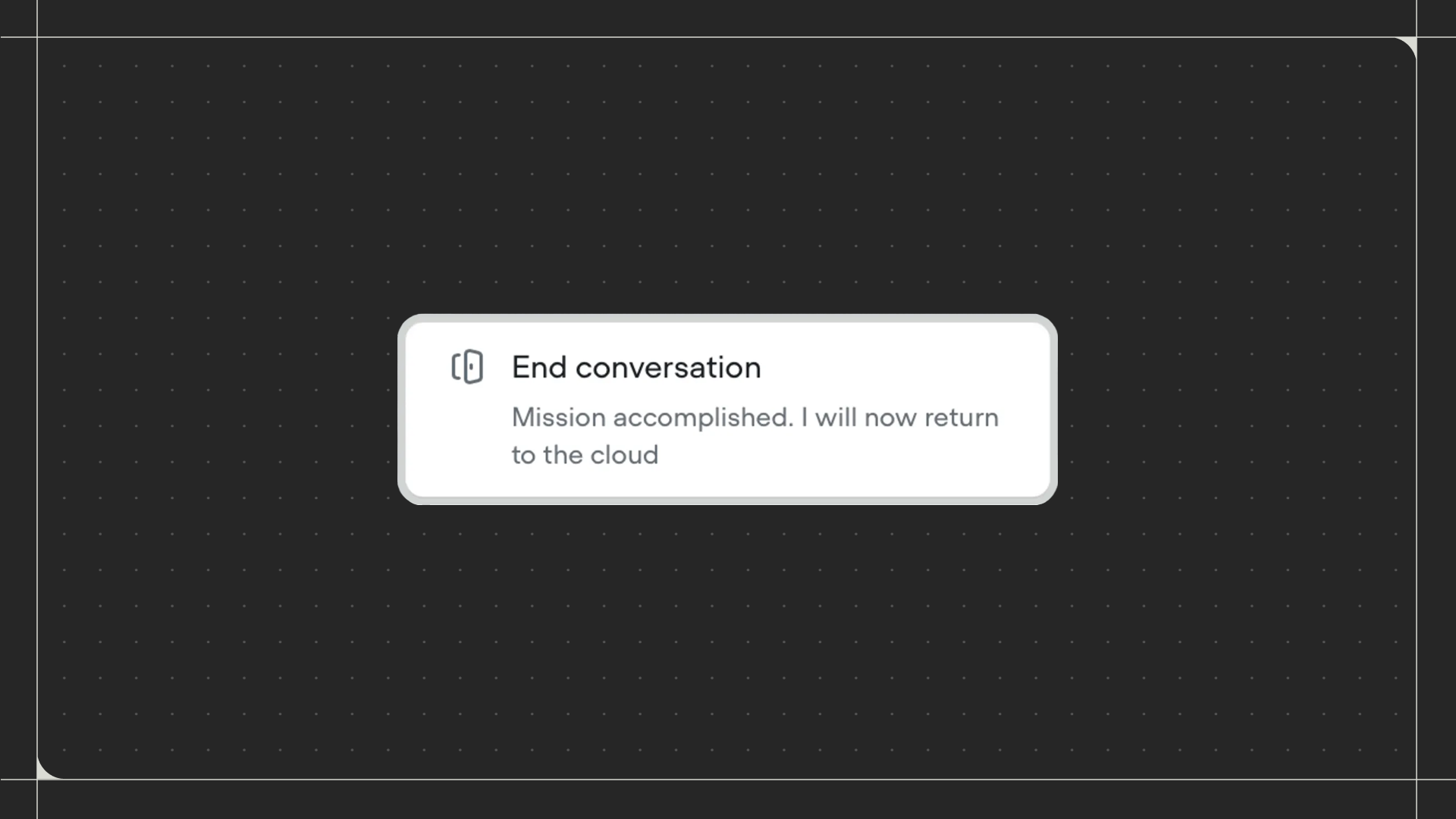
Drag the End step onto the canvas and connect it to the point in your workflow where the conversation should end. Click on the step to configure an optional end message.Configuration
- End message: Send a final message to the user before the conversation ends. You can write a static message or use a prompt to generate dynamic closing messages using AI.