


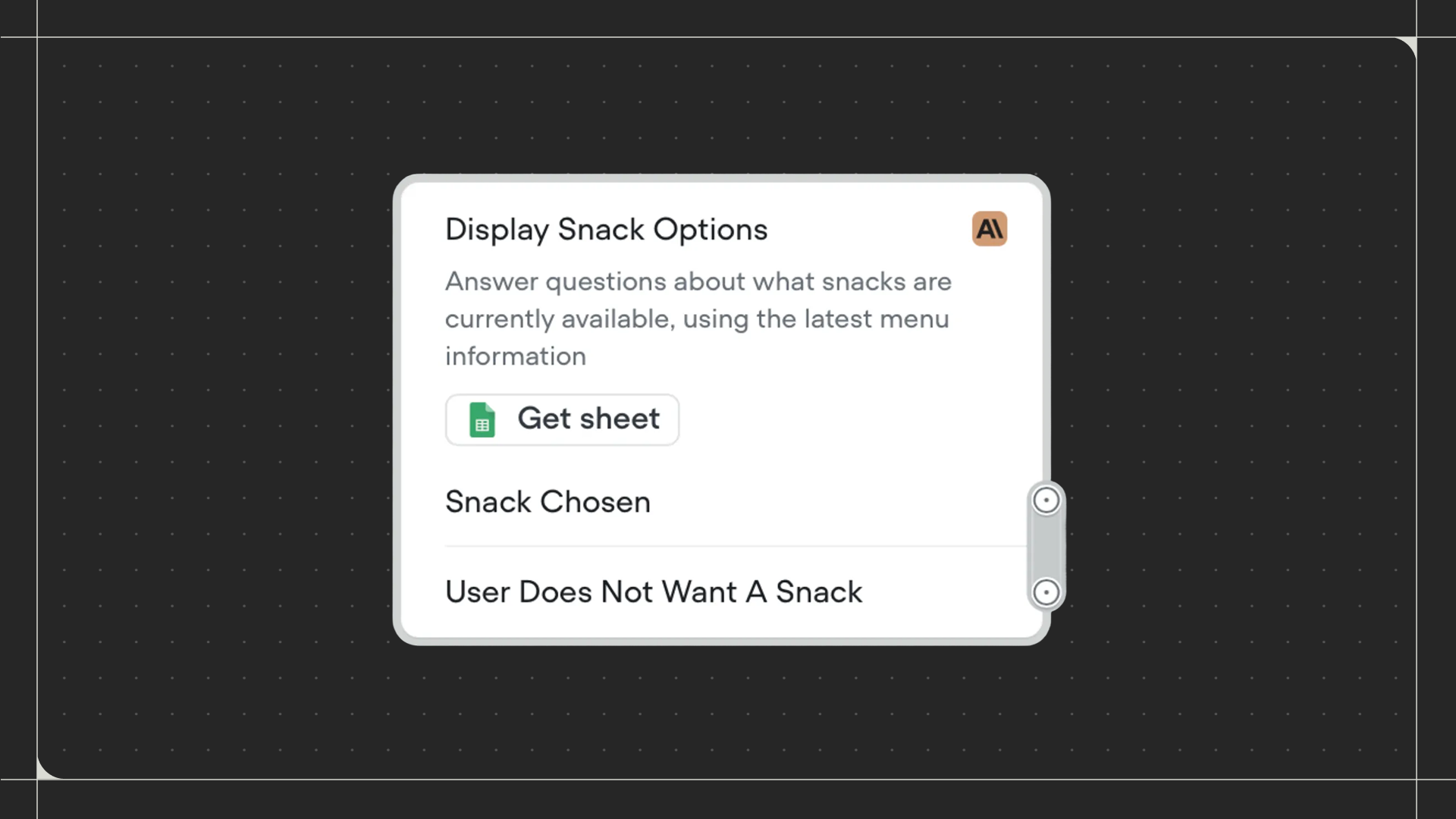
Using the Playbook step
Drag the Playbook step onto the canvas and connect it to the step before it. Click on the step to select which playbook to run. Select an existing playbook from the dropdown, or create a new one by clicking New playbook. Once selected, you can configure how the playbook behaves within your workflow and define exit conditions that create paths back to your workflow.Configuration
- Listen for other triggers: When enabled, allows your agent to recognize and respond to events, DTMF inputs, and switch to your Agent while the playbook is active. When disabled, the playbook focuses solely on its instructions.
- Playbook talks first: When enabled, the playbook sends its first response immediately upon entering the step. When disabled, the playbook waits for user input before responding.
- Exit every conversational turn: When enabled, the playbook returns control to the workflow after each message exchange with the user, creating a connection point labeled Exit conversational turn. When disabled, the playbook continues handling the conversation until an exit condition is met.