


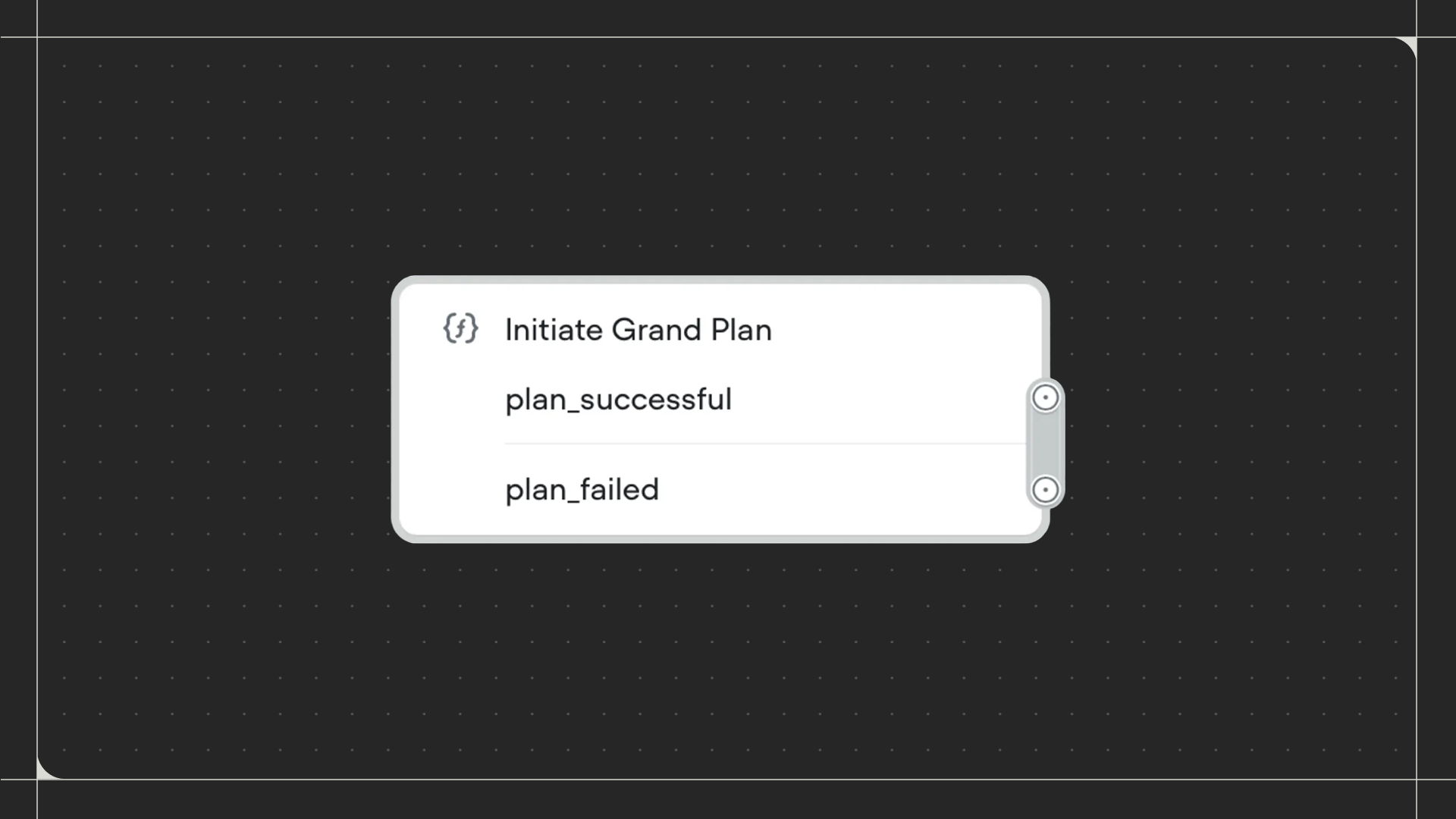
Using the Function step
Drag the Function step onto the canvas and connect it to the step before it. Click on the step to select which function tool to run. Select an existing function tool from the dropdown, or create a new one by clicking New function tool. Once selected, you can map the function’s outputs to variables in your workflow.Configuration
- Output variables: Map each output from the function to a variable in your agent. Click on an output variable and select which variable should receive that data. Any outputs you don’t map won’t be saved.
- Async execution: Toggle this on to allow your workflow to continue immediately without waiting for the function to complete. When off, the workflow waits for the function to finish before moving to the next step. This is useful for functions that take a long time to run but that your agent doesn’t rely on, such as analytics collection functions.