


Using the Workflow step
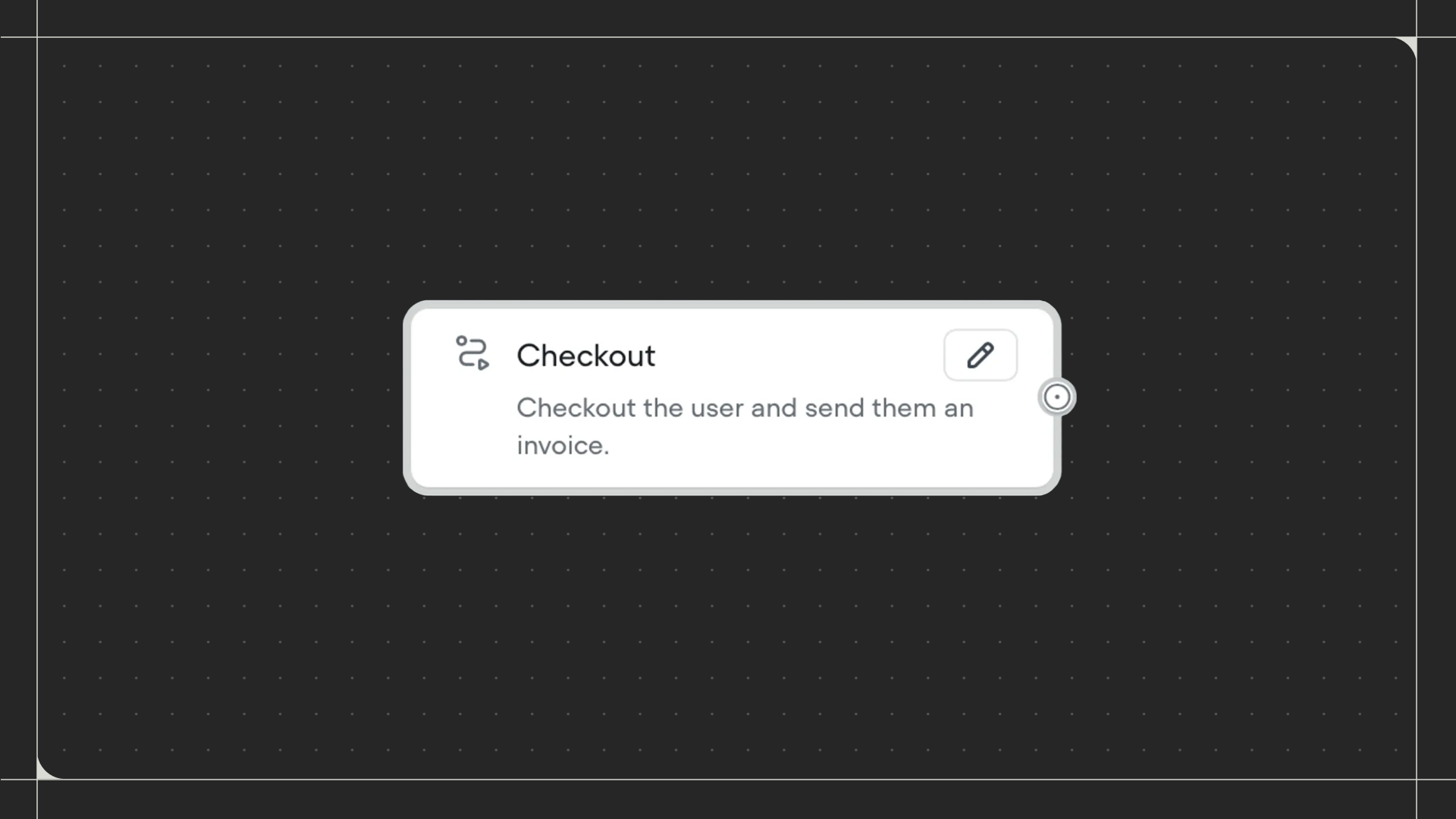
Drag the Workflow step onto the canvas and connect it to the step before it. Click on the step to select which workflow you want to call.Configuration
- Select workflow: Choose an existing workflow from the dropdown to call when your agent reaches this step. You can also create a new workflow directly from this menu by clicking New workflow.