


Using the MCP step
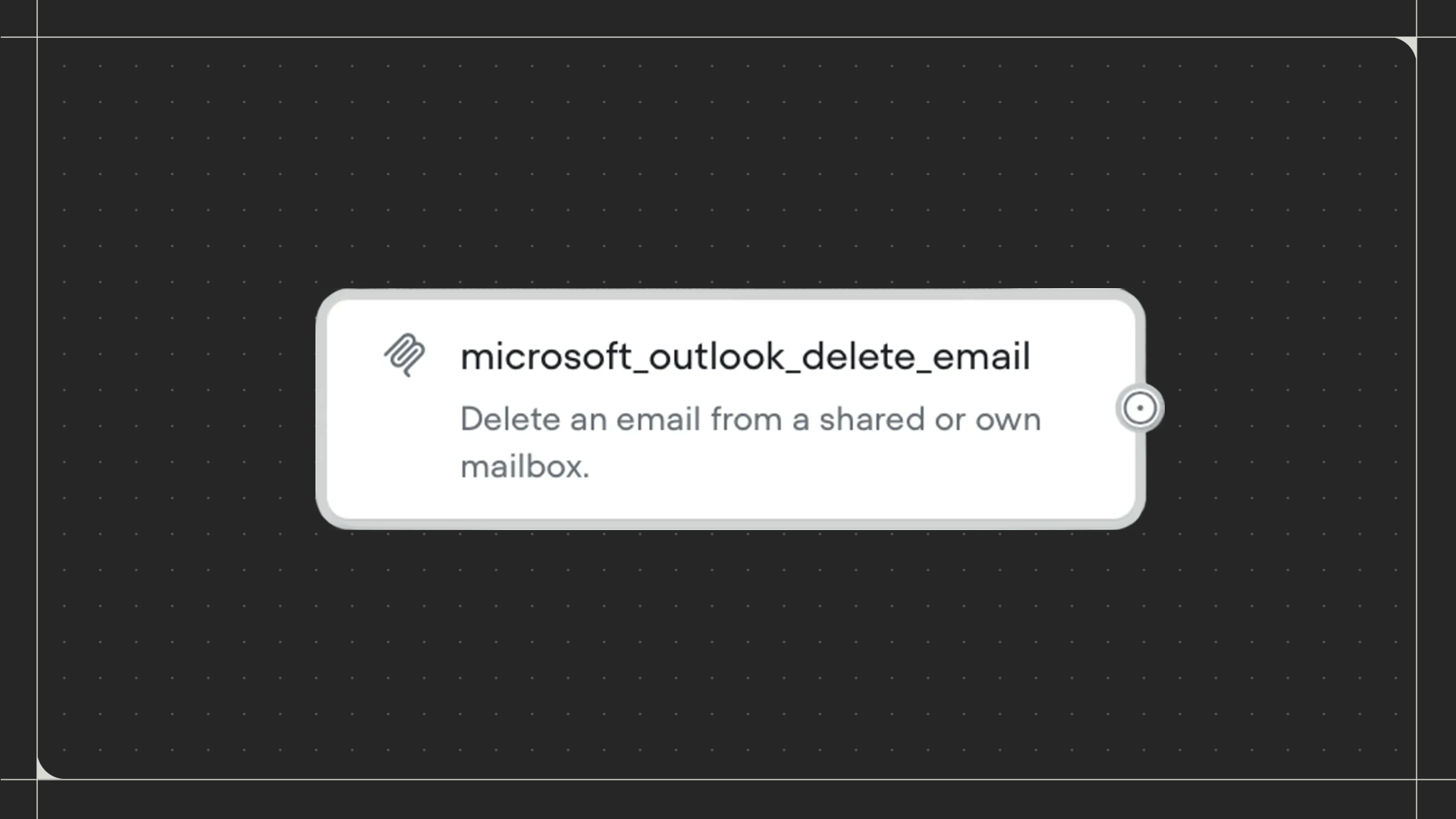
Drag the MCP step onto the canvas and connect it to the step before it. Click on the step to select which MCP tool to run. Select an existing MCP tool from the dropdown, or create a new one by clicking New MCP tool. Once selected, you’ll see the input variables that the tool requires.Configuration
- Input variables: Provide values for each required input. Enter specific text, numbers, or use variables from your workflow. Each input variable has a description explaining what information it needs.
- Capture response: Optionally save the tool’s response to a variable. If the response contains structured data (like JSON), you can specify an object path to extract specific information (eg:
data.user.emailto get just the email from a larger response object).