


Using the Set step
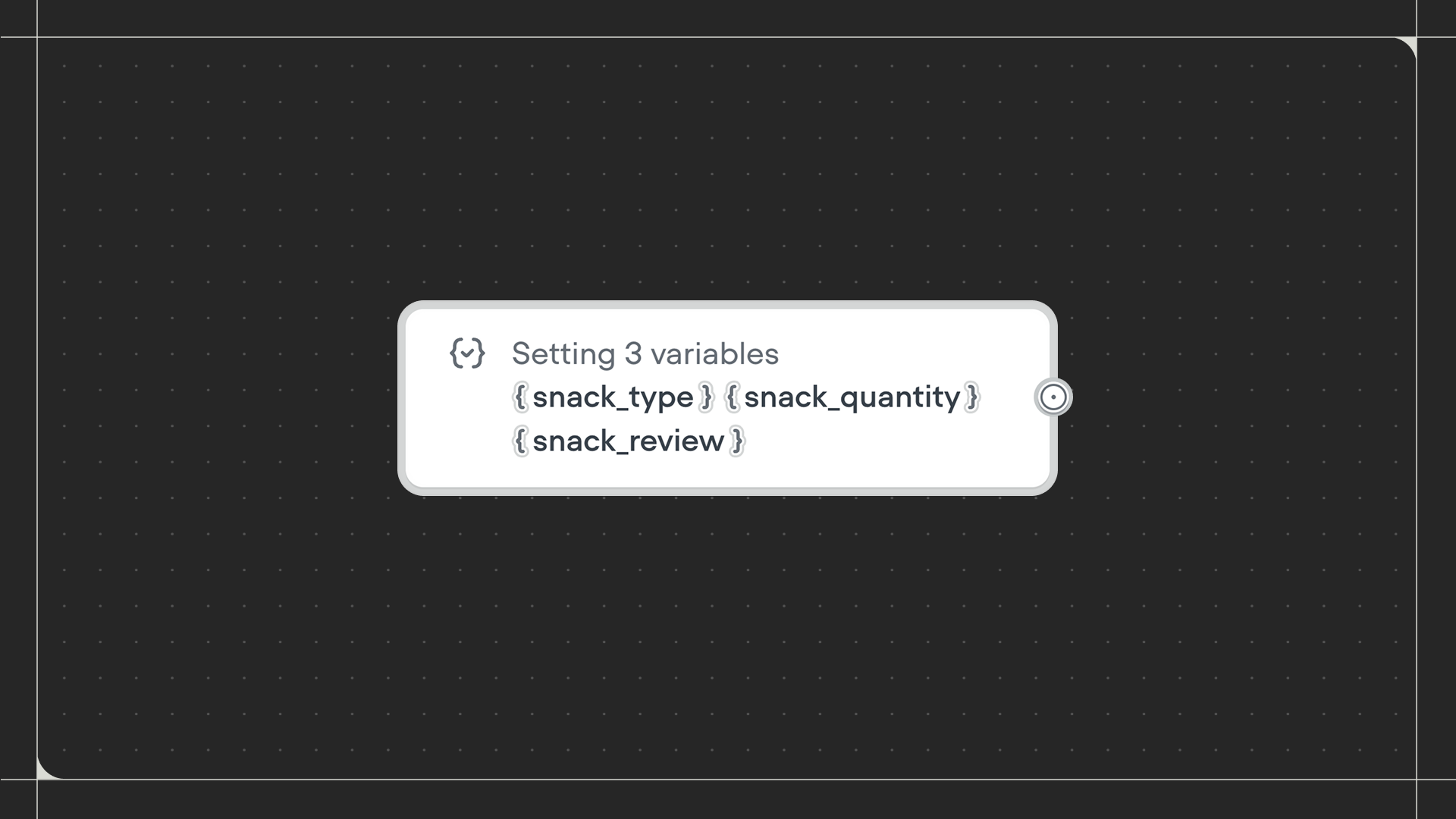
Drag the Set step onto the canvas and connect it to the step before it. Click on the step to configure which variables to set and their values.Configuration
- Variables to set: Add one or more variables to update. For each variable, choose how to set its value:
- Value: Enter a specific text or number value directly.
- Prompt: Use AI to generate the variable’s value based on a prompt you write.
- Properties to set: Add one or more transcript properties to attach custom metadata to the conversation transcript. Unlike variables, properties aren’t used during the conversation. They’re saved to the transcript for later filtering and analysis.
- Parallel execution: Toggle this on to allow the workflow to continue immediately without waiting for all variables to be set. When off, the workflow waits for all variables to be set before moving to the next step.